Dotchi
A downloadable tool for macOS
A real pixel art editor for macOS
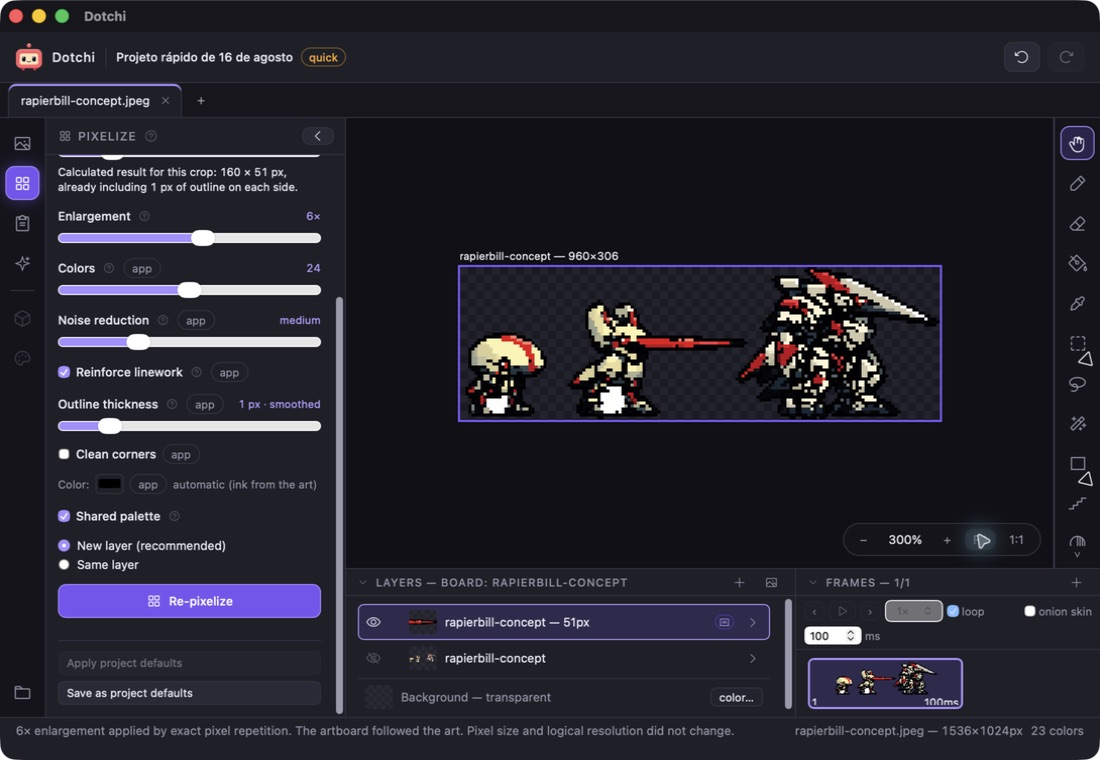
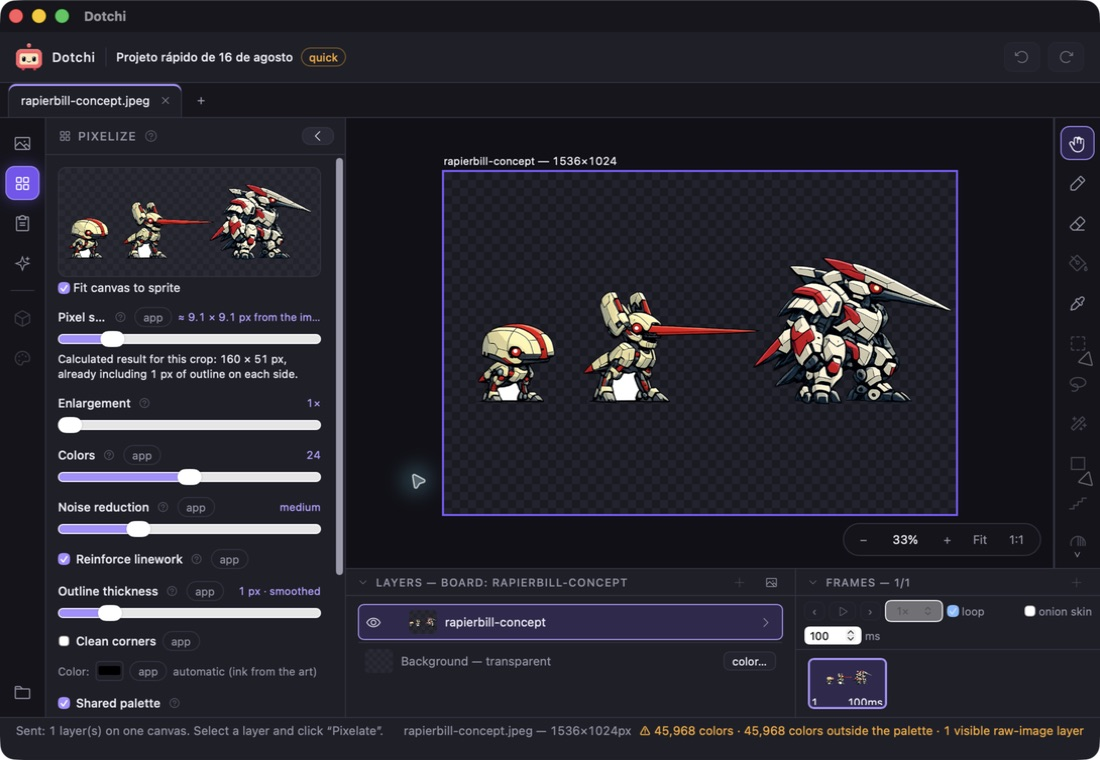
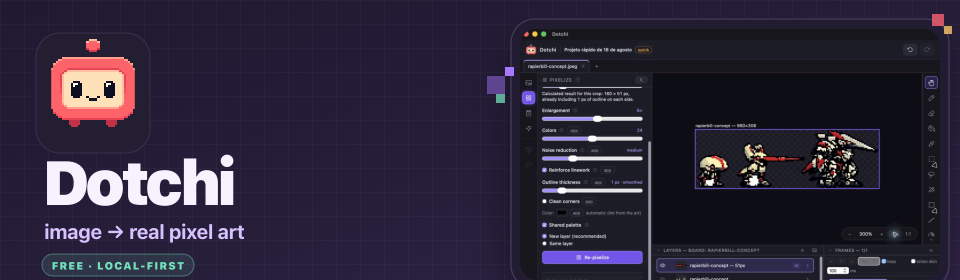
Turn images into editable pixel art — then refine individual pixels, animate frames, manage palettes, and export game-ready files. Dotchi is free, local-first, and does not upload your projects.
What you can do
- Convert images with measured pixel-size, color, noise, linework, outline, and enlargement controls.
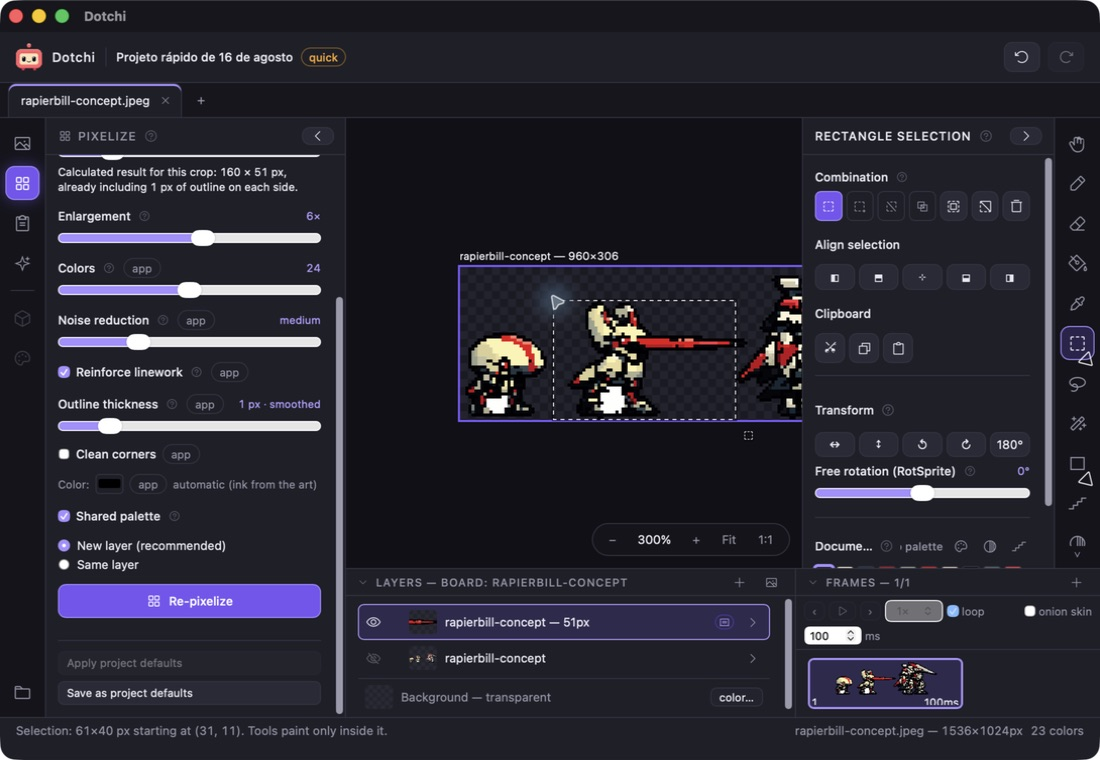
- Draw and edit with pencil, eraser, fill, selections, lasso, wand, shapes, palette tools, and pixel-art transformations.
- Build frame animations with timing, loop, onion skin, and multiple layers.
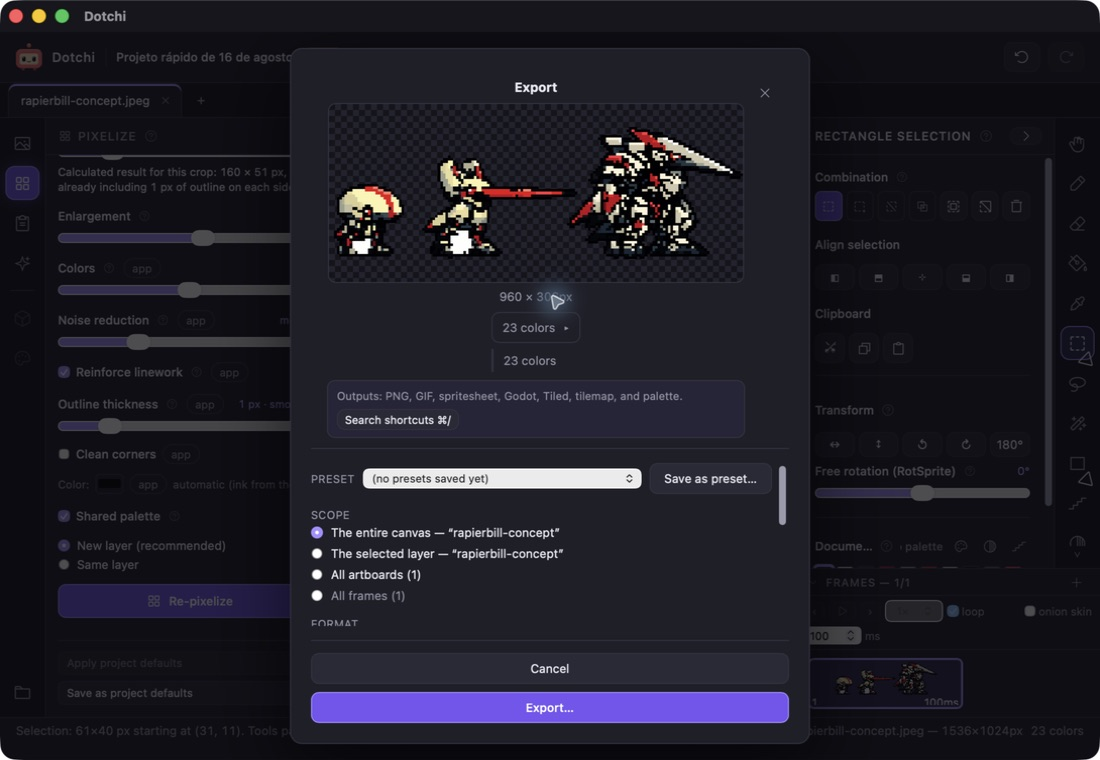
- Export PNG, GIF, spritesheets, Godot SpriteFrames, Tiled, tilemaps, and palettes.
Built for privacy
- No account, telemetry, or project uploads.
- Your projects stay on your Mac.
- The optional Qwen assistant runs locally after a one-time model download.
- Developer ID signed, notarized by Apple, and distributed as a DMG.
Requires: Apple Silicon · macOS 13.3 or later
Official site · Release and SHA-256
Editor de pixel art local-first para macOS
Transforme imagens em pixel art editável — depois refine pixels individuais, anime frames, organize paletas e exporte arquivos prontos para jogos. O Dotchi é gratuito, funciona localmente e não envia seus projetos para servidores externos.
O que você pode fazer
- Converter imagens com controles medidos de tamanho do pixel, cores, ruído, traço, contorno e ampliação.
- Desenhar e editar com lápis, borracha, balde, seleções, laço, varinha, formas, paletas e transformações próprias para pixel art.
- Criar animações por frames com duração, loop, onion skin e múltiplas camadas.
- Exportar PNG, GIF, spritesheets, Godot SpriteFrames, Tiled, tilemaps e paletas.
Feito para preservar sua privacidade
- Sem conta, telemetria ou upload de projetos.
- Seus projetos permanecem no seu Mac.
- O assistente Qwen opcional roda localmente após um único download do modelo.
- Assinado com Developer ID, notarizado pela Apple e distribuído em DMG.
Requisitos: Apple Silicon · macOS 13.3 ou posterior
Download
Install instructions
Requires Apple Silicon and macOS 13.3 or later.
1. Download the DMG.
2. Compare its SHA-256 with the official release.
3. Open the DMG and drag Dotchi to Applications.
4. Eject the DMG and open Dotchi from Applications.
Do not disable Gatekeeper or remove quarantine attributes.